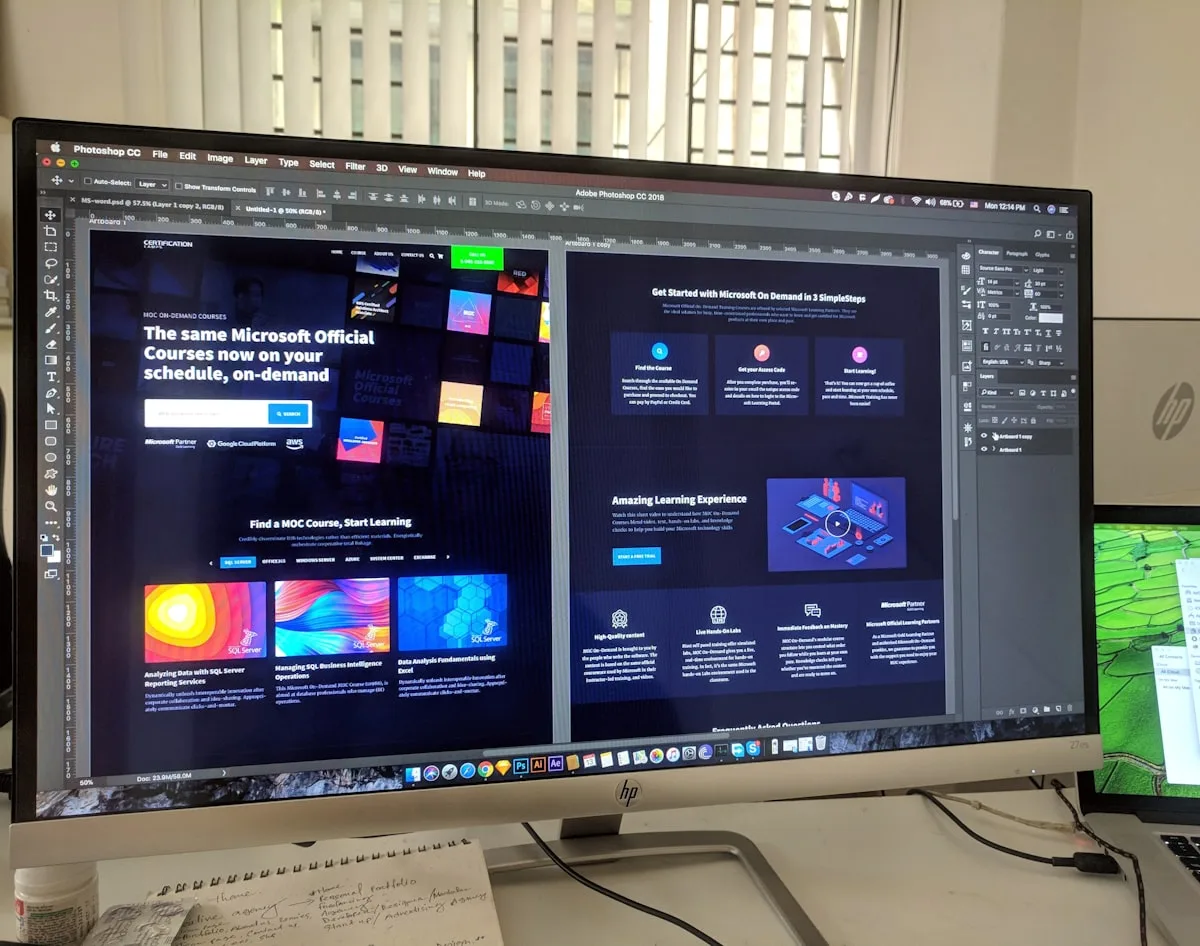
In 2023, I was brought in to rescue a website project that was six weeks behind schedule and Rs 2.5 lakh over budget. The client was a Chennai-based manufacturing company. The agency was a well-regarded design shop in Bangalore. The problem, once I dug into it, was not skill or effort - both designer and developer were individually competent. The problem was the handoff. The designer had sent a Figma file. The developer had built from it in isolation. Three weeks later, when the designer reviewed the development build, they found 47 discrepancies. Forty-seven individual things that looked different from the design. Fixing them took four weeks of back-and-forth that eroded the project margin to near zero.
I have seen versions of this story play out at agencies across Mumbai, Delhi, Bangalore, and Pune. The design-to-development handoff is the least glamorous part of web design - no client sees it, no portfolio piece captures it - but it is where projects succeed or fail financially. A bad handoff burns 20-30% of the development budget on rework. A good handoff eliminates that rework almost entirely. For an Indian agency delivering 15 projects a year at an average development cost of Rs 3 lakh each, the difference between good and bad handoff is roughly Rs 9-13 lakh annually in recovered margin.
Why the Indian Agency Handoff Breaks Down
The handoff problem in Indian agencies has structural roots that are different from the challenges Western agencies face. Understanding these roots is essential to fixing them.
First, team structure. Many Indian web agencies operate with designers and developers in separate reporting structures - sometimes in separate companies altogether if development is outsourced. The designer works in Figma or Adobe XD and rarely sees code. The developer works in VS Code and rarely opens design tools. Between them sits a project manager whose primary skill is client communication, not design-to-code translation. The handoff gap is organisational before it is technical.
Second, the speed-pressure dynamic. Indian agency projects move fast. A typical 12-page business website has a 6-8 week timeline from kickoff to launch. The design phase consumes 3-4 of those weeks, leaving 3-4 weeks for development. Under that pressure, documentation gets compressed to 'here is the Figma link, let me know if you have questions.' The developer, trying to meet their own deadline, makes assumptions rather than asking questions, because asking 15 questions in the first two days of the build feels like slowing down even though it would ultimately speed up the project.
Third, the device fragmentation reality I discussed in the responsive design best practices guide. Indian websites must work on devices ranging from a 360px-wide budget Android phone to a 27-inch desktop monitor. The designer creates mockups at 1440px and maybe one mobile breakpoint. The developer must interpret how the design behaves at the nine intermediate widths that were never designed. Every one of those interpretations is an opportunity for a discrepancy that surfaces during QA.
The Five Deliverables Beyond the Figma File
At Vedam Vision, every design-to-development handoff includes five deliverables. Not one (the Figma file), not two, but five. Each one answers a category of questions that developers consistently have and that designers consistently forget to answer.
Deliverable one: the component state specification. For every reusable component on the site - buttons, form fields, cards, navigation items, modals, accordions, tabs - document every state. Default, hover, active/focus, disabled, loading, error, empty, and success states. Each state gets a screenshot or a Figma link to the specific variant. The developer should never have to guess what a disabled button looks like or how an error message appears inside a form field.
Deliverable two: the responsive behaviour guide. For each page template (homepage, service page, about page, blog post, contact page, case study), show the layout at four widths: 360px (small mobile), 768px (tablet), 1024px (small desktop), and 1440px (standard desktop). Annotate what changes at each breakpoint: does the three-column grid become two columns or one? Does the navigation switch from horizontal to hamburger? Does the hero section height reduce? The Figma file with auto-layout can handle much of this, but explicit annotations prevent misinterpretation.
Deliverable three: the motion and interaction specification. For every animated or interactive element, document the trigger (hover, click, scroll position, page load), the animation type (fade, slide, scale, rotate, or combination), the duration in milliseconds, the easing curve (ease-out, ease-in-out, or specific cubic-bezier values), and any delay. Without this specification, developers default to their own motion preferences, which rarely match the designer's intent. For guidance on when animation adds value versus hurts conversion, see the animation guide.
Deliverable four: the asset export sheet. A spreadsheet listing every image, icon, illustration, and font file used in the design, organised by page or component. For each asset: file name, file format (SVG, PNG, WebP, WOFF2), dimensions (for raster images), whether it needs a retina (@2x) version, and the export settings the developer should use. This sheet prevents the 'where is the icon for the services section?' Slack messages that consume hours of cumulative project time.
Deliverable five: the design QA checklist. A document the developer uses to self-review their build before sending it to the designer for formal QA. The checklist includes items like: all font sizes match the specification at all breakpoints, all colours match the design palette (run the page through a colour-picker tool), all spacing values match the spacing scale, all interactive states are implemented for every component, the page passes a side-by-side comparison with the design file at 1440px, and the responsive behaviour matches the specification at all four breakpoints.
The Handoff Meeting: Make It Count
| Meeting Phase | Duration | What Happens |
|---|---|---|
| Design walkthrough | 25 minutes | Designer presents each page, highlights component states and responsive behaviour |
| Developer Q and A | 15 minutes | Developer asks clarification questions; designer answers or flags for follow-up |
| Technical feasibility check | 10 minutes | Developer flags any design elements that may be technically difficult or performance-heavy |
| Timeline and checkpoints | 10 minutes | Agree on mid-build review date, final QA date, and communication channel for questions |
The handoff meeting should happen in real time, with video, with screen sharing. Not async, not over email, not as a Slack thread. I have tried all of these, and the live walkthrough consistently reduces downstream questions by 50-60% compared to sending documentation alone. The documentation is the reference; the meeting is the transmission. Both are necessary.
During the walkthrough, the designer should narrate every design decision that is not visually obvious. 'This card has a subtle box-shadow on hover because we want to create a lifting effect.' 'The hero section height is 80vh on desktop but 60vh on mobile because the taller ratio does not work on landscape-oriented tablets.' 'The form uses inline validation rather than on-submit validation because our user research showed Indian mobile users prefer immediate feedback.' These narrations transfer intent, not just specifications, and they prevent the developer from making 'it looked weird so I changed it' decisions later.
Mid-Build Checkpoints: Catch Problems Early
If you take one practice from this article, make it the mid-build checkpoint. At roughly the 30-40% completion mark of the development phase - typically when the homepage and one internal page template are built - the designer reviews the developer's work in a browser, not in Figma.
The mid-build checkpoint catches systematic problems before they propagate. If the developer has misunderstood the spacing scale, you catch it on two pages rather than twelve. If the responsive behaviour is wrong at the 768px breakpoint, you catch it before the developer builds five more pages with the same incorrect pattern. The time cost of the checkpoint is 45-60 minutes. The time savings is typically 8-15 hours of rework that would have been discovered during final QA.
I structure the mid-build review around three questions: Is the spacing system being applied correctly? (Check padding, margins, and section gaps at multiple breakpoints.) Are the component states implemented? (Click through every interactive element in every state.) Is the typography rendering as designed? (Font sizes, weights, line heights, and - critically for Indian multilingual sites - the rendering of any non-Latin scripts.)
The mid-build checkpoint also serves as a relationship checkpoint. When designers and developers review work together mid-project, the adversarial dynamic ('the developer built it wrong' vs 'the designer designed something impossible') transforms into a collaborative dynamic ('let us fix this together before it goes further'). That cultural shift is worth as much as the technical corrections.
Design QA: The Final Filter
Design QA is distinct from functional QA. Functional QA asks: does the form submit? Do the links work? Does the page load without errors? Design QA asks: does the build match the design intent? It is a visual and experiential review, not a technical one.
The designer should perform design QA on a staging URL before the build goes to the client. The review should be methodical, not casual. Open the design file on one screen and the staging site on another. Go page by page, breakpoint by breakpoint. Log every discrepancy in a shared spreadsheet with a screenshot of the design file and a screenshot of the build side by side, plus a priority rating (critical, nice-to-have, acceptable deviation).
Critical discrepancies - wrong font sizes, missing interactive states, incorrect spacing that breaks layout - must be fixed before client review. Nice-to-have discrepancies - a 2px alignment difference, a slightly different easing curve, a colour that is one shade off - can be logged and addressed in a post-launch polish sprint if the timeline is tight. The discipline of prioritising prevents the QA process from turning into an endless perfection loop that delays launch by weeks.
One practice I have found invaluable: the designer should review the mobile build on an actual budget Android phone, not on Chrome DevTools' device emulator. The emulator shows you the layout. The real device shows you the feel - the touch responsiveness, the scroll smoothness, the tap target accessibility. These experiential qualities matter as much as pixel-level design accuracy and cannot be assessed through emulation. The mobile-first design guide covers real-device testing methodology in depth.
Common Handoff Failures and Their Fixes
Over years of fixing broken handoffs, I have catalogued the most frequent failure modes and their specific remedies.
Failure one: the designer does not use auto-layout in Figma. When frames have manual positioning rather than auto-layout constraints, the developer has no way to determine intended spacing behaviour at widths the designer never mocked up. Fix: require auto-layout on all frames that contain text or repeating elements before the Figma file is handed off. This adds 1-2 hours to the design phase and saves 8-12 hours of development guesswork.
Failure two: the designer uses different spacing values on different pages for the same type of element (24px padding on one card, 32px on another). This creates a spacing inconsistency that the developer either replicates (producing an inconsistent build) or 'corrects' (producing a build that differs from the design). Fix: establish and enforce a spacing scale (4px, 8px, 12px, 16px, 24px, 32px, 48px, 64px, 80px) during the design phase and audit adherence before handoff.
Failure three: the designer creates beautiful hover states and microinteractions but does not specify what happens when the user taps on mobile (where hover does not exist). The developer either implements tap-to-toggle behaviour that may not match the designer's intent, or ignores the interaction entirely on mobile. Fix: for every hover-dependent interaction in the design, specify the touch equivalent in the component state specification. Tap to reveal, long-press for tooltip, swipe for carousel - the touch behaviour must be designed, not improvised.
Failure four: the asset export sheet is missing or incomplete, and the developer extracts images from Figma at whatever resolution Figma defaults to. The result: blurry hero images on retina screens, icons exported as PNGs when they should be SVGs, and 2MB background images that kill page speed. Fix: make the asset export sheet non-negotiable. Every image, icon, and font gets exported by the designer (not the developer) at the correct format, resolution, and compression level before handoff.
How Vedam Vision Helps
We have built our web design process around the handoff from day one of every project, not as an afterthought during the final week. Our design team uses a standardised component library with pre-documented states and responsive behaviour, our project managers enforce the five-deliverable handoff package, and our mid-build and design QA checkpoints are baked into every project timeline. For Indian agencies looking to improve their own handoff process, we offer process consulting engagements that audit your current workflow and build a custom handoff playbook calibrated to your team size, tool stack, and project types.