Quick answer
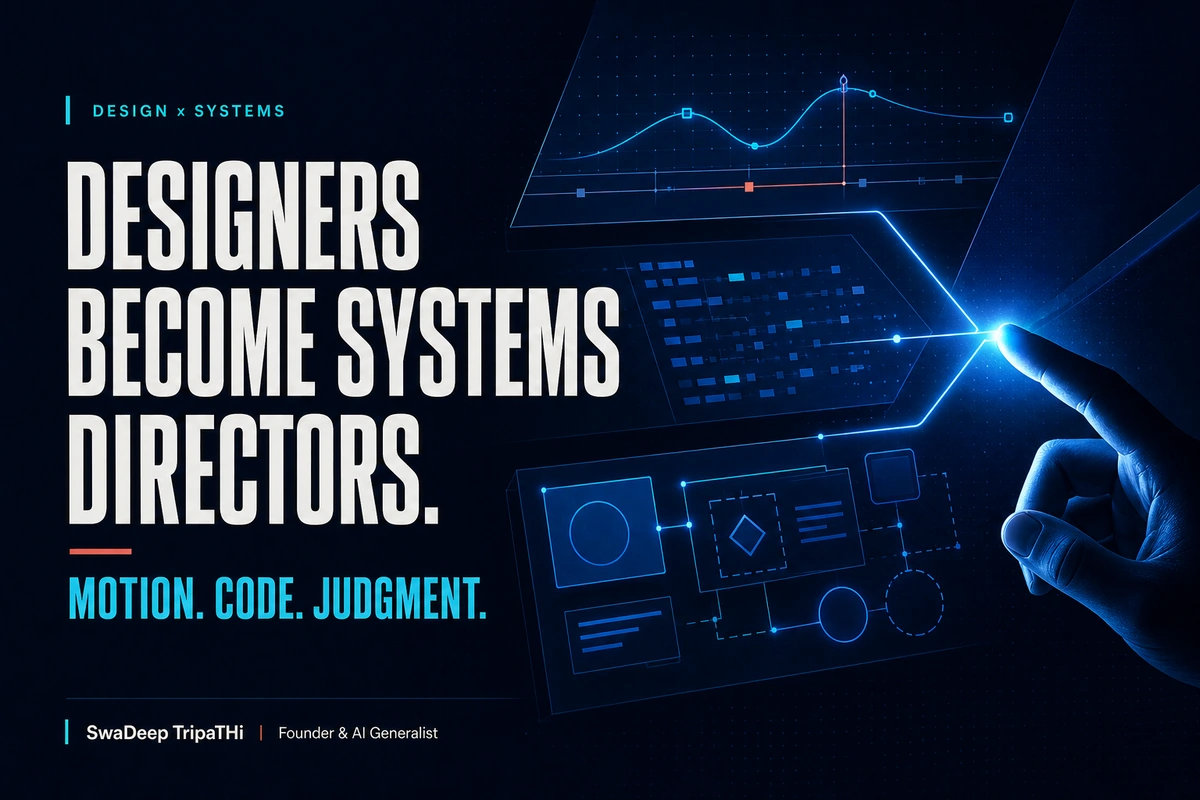
Figma Motion and code layers expand the designer's job from arranging screens to directing behaviour across time, states, components, and production code. The valuable skill is not generating more effects. It is deciding where motion helps, how interaction should behave, which rules must remain consistent, and what developers need to inspect. Designers become systems directors when they connect business intent, visual language, interaction logic, accessibility, and implementation into one coherent set of decisions.
Design tools are absorbing work that once lived in separate specialist applications.
Figma now treats motion and code as materials on the canvas. A designer can create a timeline, define keyframes and easing, inspect animation values in Dev Mode, convert visual layers into code-backed interactions, and move between editable design and working behaviour.
That is a meaningful product shift. It is not a reason for every screen to move.
The interesting question for an Indian product team is what happens to the designer's responsibility when the gap between concept and implementation gets smaller. The answer is that direction matters more, not less.
When a tool can produce motion or code quickly, the team needs someone to decide which behaviour belongs in the system, how it supports a user task, and when to stop. That person is increasingly a systems director.
What Figma Motion and code layers actually change
At Config 2026, Figma introduced Figma Motion with a timeline, keyframes, presets, inspectable timing values, easing curves, and export options. Figma says the motion context can be viewed in Dev Mode and copied in formats including CSS, JSON, and framework-ready React or Motion.dev code.
Figma also described code layers on the canvas as a way to create or convert layers into interactive code, explore multiple directions, and extract the current result back into editable design layers.
The earlier Figma Sites implementation showed the practical model. Its official code layers guide describes interactive React-backed elements that can be prompted, edited, reused, and connected to packages for animation or richer behaviour.
These capabilities reduce the distance between four kinds of work:
- Visual composition
- Interaction and motion design
- Functional prototyping
- Production handoff
They do not remove the differences. A prototype can still fail in production. Generated code still needs review. Motion still needs performance and accessibility checks. What changes is how early the team can experience the decision.
A systems director works with relationships
A screen designer can focus on one state. A systems director has to see relationships.
What happens when the card loads? What happens when data is missing? Does the same transition work on a low-end phone? Can the behaviour be turned off when a user prefers reduced motion? Does the animation communicate progress, or merely delay it? Can a developer trace the easing and duration without interpreting a video?
The work becomes less about drawing every frame and more about defining the rule that produces the right frames.
That is close to how a design system already works. Typography is not one heading. It is a scale and a set of roles. Spacing is not one margin. It is a rhythm. Motion is not one animation. It is a vocabulary of entrances, exits, feedback, continuity, and emphasis.
Vedam Vision's guide to design systems for Indian startups explains why reusable decisions matter when a team is shipping across products and channels. Motion and code layers extend that same logic into behaviour.
The five decisions that still belong to people
1. What the user is trying to do
Start with the task, not the effect.
A payment status animation can reassure a customer that a request is processing. A transition between onboarding steps can preserve context. A hover flourish on a mobile-first checkout may add nothing because there is no hover state on touch.
Write the user purpose in one sentence before opening a timeline. If the team cannot explain how the movement helps the task, keep the interface still.
2. What the motion means
Movement should have a role that people can learn.
An item that slides into a cart can show destination. A panel that expands from its trigger can show continuity. A brief colour and scale change can confirm an action. If the same movement sometimes means success and sometimes means error, the system becomes harder to understand.
Define a small motion vocabulary and use it consistently. The exact values can change during testing, but the meaning should remain stable.
3. How much is enough
Fast generation makes excess easy.
A designer can now explore several animations without leaving the canvas. That is useful during discovery. It also increases the need for restraint in the final product.
Ask whether the interface is clearer with the motion, whether it feels faster, and whether it supports the brand without slowing the task. Remove effects that compete for attention or repeat after their meaning is already understood.
4. What developers must be able to inspect
A polished video is not a complete handoff.
Developers need the trigger, duration, easing, delay, sequence, interrupt behaviour, responsive behaviour, and fallback state. They also need to know whether the motion is a system token, a component-specific rule, or a one-off campaign expression.
Figma's official Motion announcement says the Dev Mode timeline exposes timing values, curves, and keyframes. That can reduce interpretation, but the team still needs naming and ownership. "Nice bounce" is not an implementation rule.
5. What must be tested outside the canvas
The canvas is not the customer environment.
Test the result on target devices, real content, variable network conditions, keyboard navigation, touch input, and reduced-motion settings. Check whether animation causes layout shift, whether a code layer affects loading, and whether the interaction still works when the AI-generated result meets unusual data.
Vedam Vision's article on Figma workflows for Indian design teams provides a broader way to organise files, components, reviews, and developer collaboration around the work.
A practical motion system for a small team
An Indian SME does not need a hundred-page motion manual. Start with a one-page table.
| Motion role | Purpose | Example | Review question |
|---|---|---|---|
| Feedback | Confirm an action | Button state after submission | Is success or failure unmistakable? |
| Continuity | Show where an element went | Card opening into details | Does the user keep context? |
| Progress | Show that work continues | File upload indicator | Is the status honest? |
| Emphasis | Direct attention once | Important update entering | Is this truly the priority? |
| Orientation | Explain navigation | Drawer opening from its edge | Does the movement match the structure? |
For each role, define a usual duration range, preferred easing family, reduced-motion behaviour, and owner. Keep the numbers in shared variables or tokens where the tool and codebase support them.
The goal is not to make every animation identical. It is to make the team's decisions understandable.
Code layers are prototypes with consequences
Code layers can make an idea testable earlier. A pricing calculator, draggable comparison, working filter, or interactive product preview can be evaluated as behaviour rather than described in a meeting.
That changes the quality of the conversation.
The founder can react to how the estimate works. Sales can test whether the interaction matches the real quotation process. Engineering can identify data or performance constraints before the design is treated as finished.
Figma's post on bringing Make to local code describes a beta workflow with branches, commits, annotations, and pull requests. It also states that engineering review remains part of the Git workflow. That is the right mental model: generated or visually edited code is a proposal that enters the same review discipline as other code.
For a small team, set three boundaries:
- Experiments may move quickly in a branch or sandbox.
- Production changes require technical review, testing, and an owner.
- Business logic, payments, personal data, and security-sensitive behaviour do not bypass normal controls.
The new handoff is a shared inspection
Traditional handoff often happened when design looked complete. The developer received screens, measurements, assets, and a prototype, then discovered unanswered questions while building.
Motion and code layers allow inspection earlier. A designer can bring a working behaviour into review before every visual detail is polished. A developer can point to a performance or architecture concern while alternatives are still cheap to explore.
Use a short review sequence:
- State the user task and business constraint.
- Play the interaction at real speed.
- Inspect states, timing, and responsive behaviour.
- Review the generated or exported code as a starting point.
- Record what is canonical: design token, motion rule, component logic, or production implementation.
Vedam Vision's explanation of building AI-powered websites quickly makes a similar point. Speed works when structure, responsibility, and review are clear.
Where AI helps and where direction stays human
AI can suggest variants, translate a visual idea into code, generate a starting animation, or help a designer explore an unfamiliar interaction. That lowers the cost of trying.
Human direction still carries the harder decisions:
- Which user need deserves attention
- Which behaviour fits the brand
- Which edge cases matter
- Which risks require specialist review
- Which pattern belongs in the system
- Which experiment should be deleted
The designer who develops those muscles becomes more valuable even as production becomes faster.
A 10-day adoption plan
Choose one existing component with a clear interaction problem, such as a multi-step form, pricing selector, upload flow, or dashboard filter.
During days one and two, document the task, current friction, states, and success measure. During days three and four, explore motion or a code-backed prototype in Figma. Keep two or three directions, not twenty.
On days five and six, review with design, development, and the business owner. Select one direction and specify the behaviour. On days seven and eight, implement it in a safe environment and test realistic data, devices, and accessibility settings.
On days nine and ten, compare the result with the original task. Add the useful rule to the design system. Delete the unused experiments.
One component is enough to learn whether the workflow improves collaboration.
Frequently asked questions
What are Figma Motion and code layers?
Figma Motion adds timeline-based animation tools, inspectable timing and easing, and export or handoff options. Code layers are interactive elements backed by code that can be created, converted, explored, and reviewed on the Figma canvas.
Do code layers replace developers?
No. They can make functional exploration and handoff faster, but production code still needs architecture, security, performance, accessibility, testing, maintenance, and engineering review.
Should every designer learn to code?
Every designer does not need to become a full-time engineer. Understanding states, logic, constraints, and implementation tradeoffs helps designers direct interactive systems and collaborate more clearly with developers.
How should small teams start using Figma Motion?
Start with one component where movement can improve feedback, continuity, progress, emphasis, or orientation. Define the purpose, test realistic conditions, and record the accepted behaviour as a reusable rule.
What is a systems director in design?
A systems director is a designer who coordinates visual language, interaction, motion, components, content, accessibility, and implementation around a user and business outcome rather than treating each screen as an isolated artifact.
The canvas is becoming a decision environment
Figma Motion and code layers make the canvas more capable. Capability is not direction.
The teams that benefit will not be the ones that add the most motion or generate the most code. They will be the ones that use faster exploration to make clearer decisions, inspect behaviour earlier, and carry the useful rules into a maintained system.
That is the shift from screen maker to systems director.
If your team needs a clearer path from design intent to working product, Vedam Vision's website design and development service can help structure the system, prototype, implementation, and review around a real business goal.